Every business has one person who “just knows how that works.”
That isn’t a team. That’s a hostage situation with a nice holiday party.
And the day they take a real vacation, you find out exactly how much of your business is stored in their head.
Here’s the fix, and it’s smaller than you think. This is how to write SOPs with AI without anyone typing a 40-page binder: record the task once, let AI draft it, have someone else follow it, fix the gaps, and file it. You also get a free one-page SOP template for small business and the prompts that go with it, filled in with a real BizHacker process.
The vacation test
Try this. Pick the person your business leans on hardest. It might be you.
Now picture them on a beach for two weeks with no signal.

What stops? Not “slows down.” Stops.
- The invoice that only goes out when one person remembers.
- The onboarding steps that live on a sticky note that says “ask Pat.”
- The Monday report somebody rebuilds from memory every single week.
Write those down. That’s your SOP list. Congratulations, you just did the hardest part, and it took less time than reading this section.
The vacation is just the easy way to picture it. The same test covers sick days, a new hire, a busy season, and the Tuesday you would rather spend on the work only you can do. A business that runs while you’re gone also runs better while you’re there.
Why nobody writes SOPs (and why that’s fine)
Let’s be honest about the old way.
Somebody buys a binder. Somebody writes 40 pages. Nobody reads them. Six months later the process has changed twice, and the binder is now a historical artifact. Museums would be interested. Your team is not.
SOPs don’t fail because people lack discipline. They fail for three boring reasons:
- They’re too big. Nobody reads page 23 while a client is waiting.
- They’re painful to write. Typing out a task you could do in your sleep is its own special punishment.
- Nobody owns them. So they rot the day after they’re written.
So the fix is a smaller document, not more willpower. One page. One owner. A date on it. And you don’t type it from scratch, because it’s 2026 and your evenings are worth more than that.
What goes on a one-page SOP template for small business
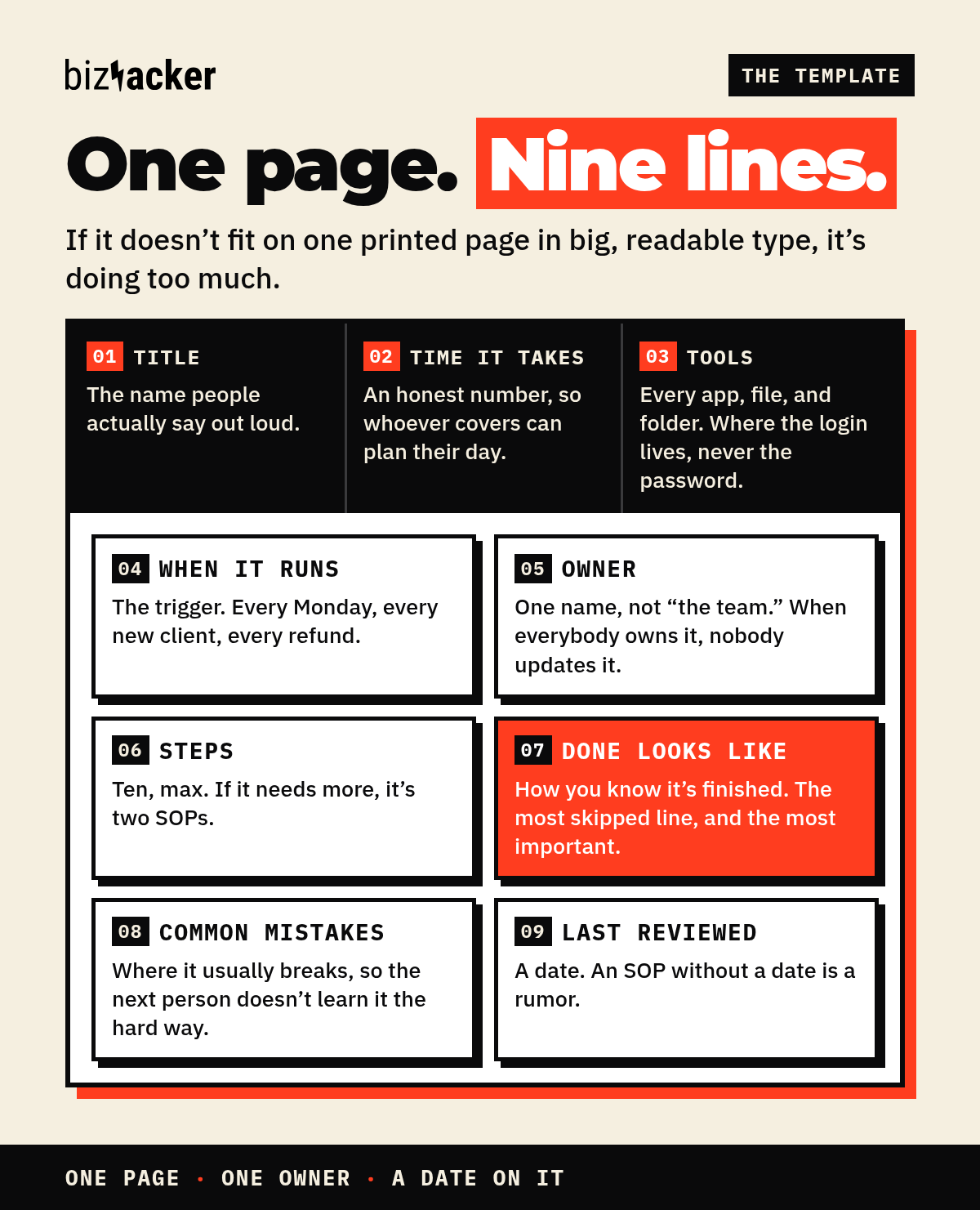
Nine lines. That’s the whole thing.
- Title. The name people actually say out loud. “Publish a blog post,” not “Content Deployment Protocol v3.”
- Owner. One name. Not “the team.” When everybody owns a process, nobody updates it.
- When it runs. The trigger. Every Monday, every new client, every time a refund comes in.
- Time it takes. An honest number, so the person covering for you can plan their day.
- Tools. Every app, file, and folder the task touches. Where the login lives, never the password itself.
- Steps. Ten, max. If it needs more, it’s secretly two SOPs.
- Done looks like. How you know it’s finished. This is the most skipped line and the most important one.
- Common mistakes. Where it usually breaks, so the next person doesn’t learn it the hard way.
- Last reviewed. A date. An SOP without a date is a rumor.
If it doesn’t fit on one printed page in big, readable type, it’s doing too much.
Want it ready to print? The free template is further down, with a filled-in example.
How to write SOPs with AI in five moves
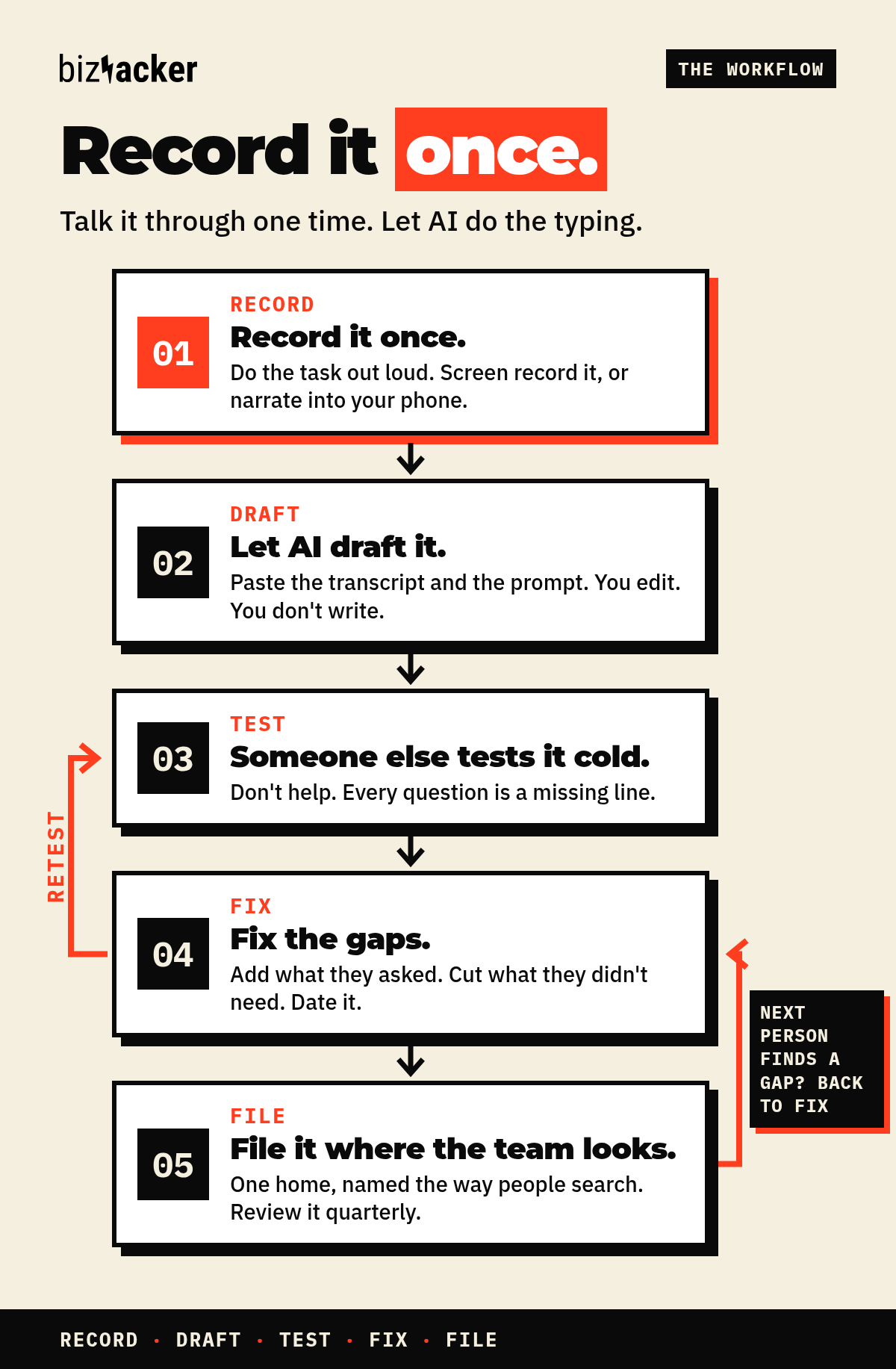
1. Record it once
The next time you do the task, do it out loud. Screen-record it if it happens on a computer. If it doesn’t, narrate it into your phone’s voice recorder.
Say what you click, why you click it, and what you check before you move on. Say the weird stuff too: “This field resets itself, so I always check it twice.”
Don’t perform. Don’t clean it up. The mumbling is where the knowledge lives. Bonus: one recording replaces the training meeting you were going to schedule for the next new hire.
Two tools make this part almost unfair:
- Scribe watches you click through a task once and turns every click into a numbered step with a screenshot. The free Chrome and Edge extension covers anything you do in a browser. It’s the closest thing to a new hire taking perfect notes over your shoulder.
- Loom records your screen and your voice together. On its AI plan, Loom can turn that narrated video into a written SOP or step-by-step guide, with screenshots pulled from the video. You talk, it writes the first draft.
Use Scribe when the task is mostly clicks. Use Loom when the task needs you explaining why. Either way, you just recorded it once.
Then get a transcript from whatever tool you recorded with. No recording? Use the “interview me” prompt on the prompt sheet and let the AI ask you the questions instead.
2. Let AI draft it
Paste the transcript into ChatGPT or Claude with prompt 1 from the sheet. (Yes, this is how to write an SOP with ChatGPT. It’s the same move in Claude.) It turns your rambling into the nine lines above.
You edit. You don’t write. That’s the whole trade.
Then run the “find the missing steps” prompt. AI is annoyingly good at asking “wait, where does that file come from?” That’s the exact question your coworker would have texted you on day three of your vacation.
3. Have someone else follow it cold
This is the step that makes it real.
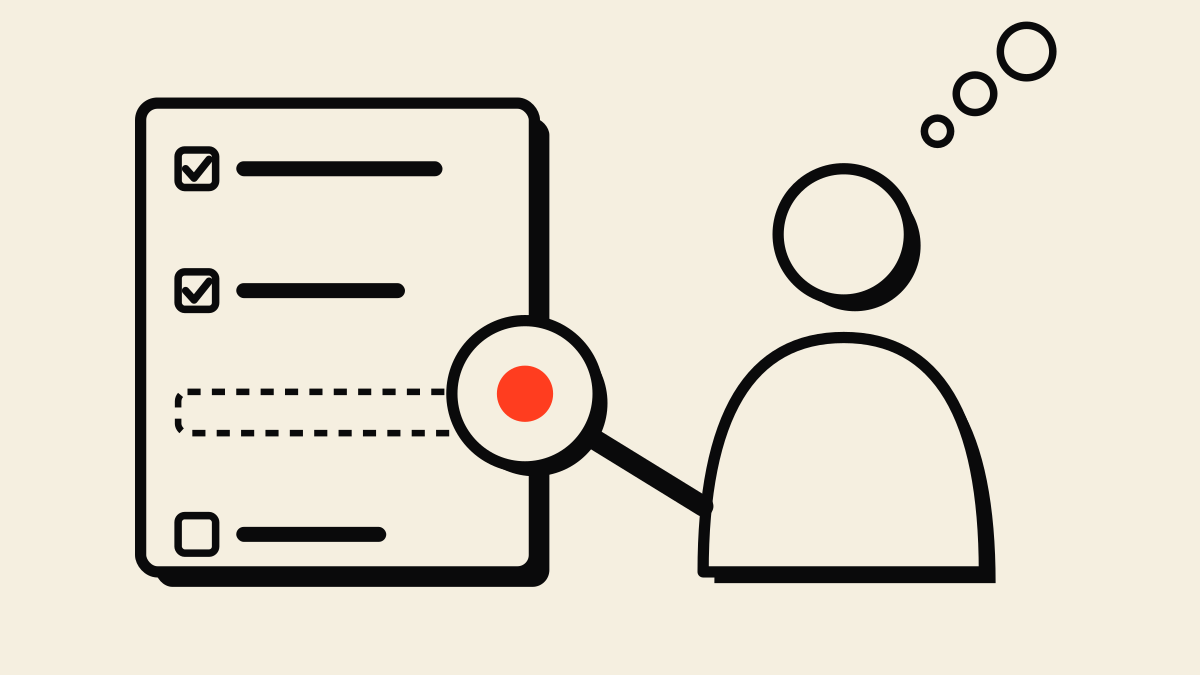
Hand the SOP to someone who has never done the task. Then sit on your hands. Don’t help. Don’t hover. Definitely don’t say “oh, that part’s obvious.”
Every question they ask is a missing line. Every pause is a step you skipped because you’ve done it so many times you can’t see it anymore.
4. Fix the gaps
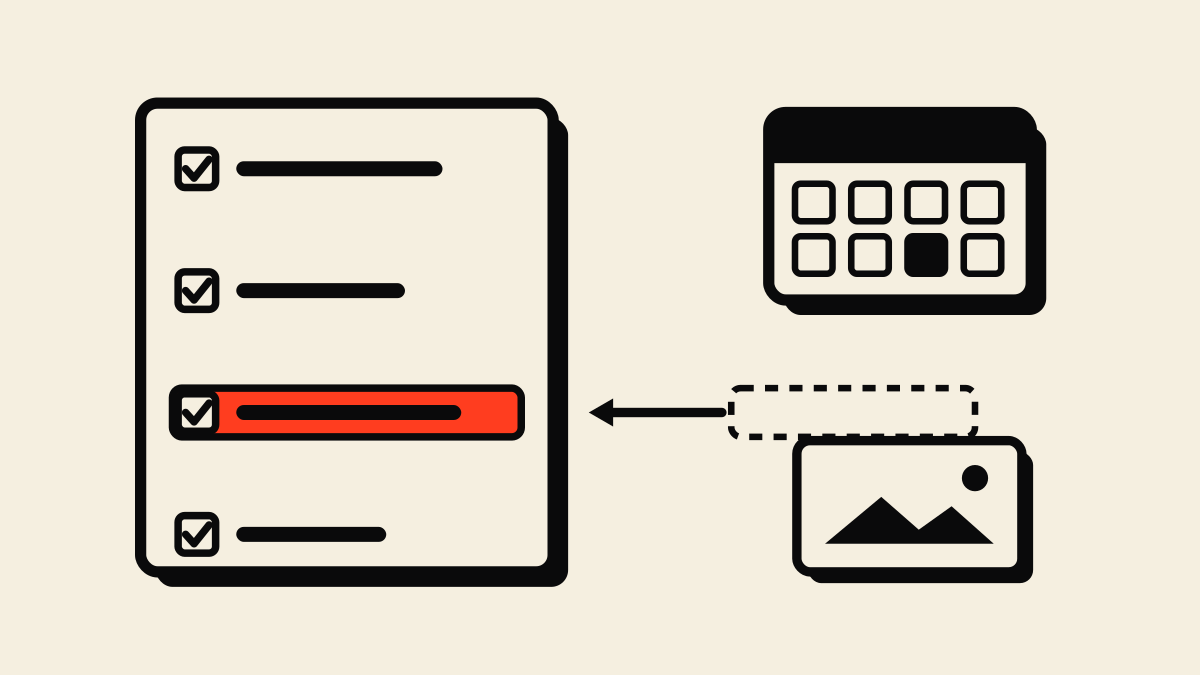
Add what they asked about. Cut what they didn’t need. If a step only made sense with a screenshot, add the screenshot. Then put today’s date on “Last reviewed.”
5. File it where the team will find it
An SOP nobody can find is a diary entry.
Pick one home, wherever your team already looks. Name it the way people search: “SOP: Publish a blog post,” not “Process_v3_FINAL_final2.”
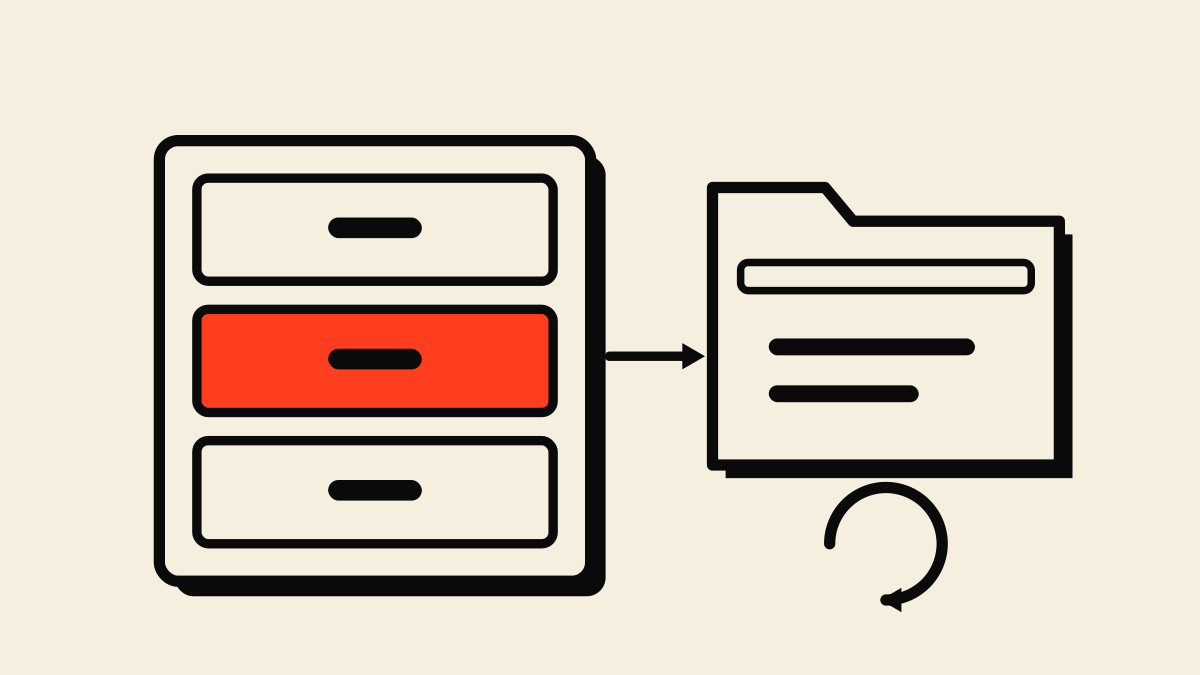
Then put a quarterly review on the calendar. The last prompt on the sheet does the heavy lifting.
Our own example: how a BizHacker blog post goes live
Here’s a real one: the checklist we use to publish a BizHacker blog post. It’s not glamorous. That’s the point.
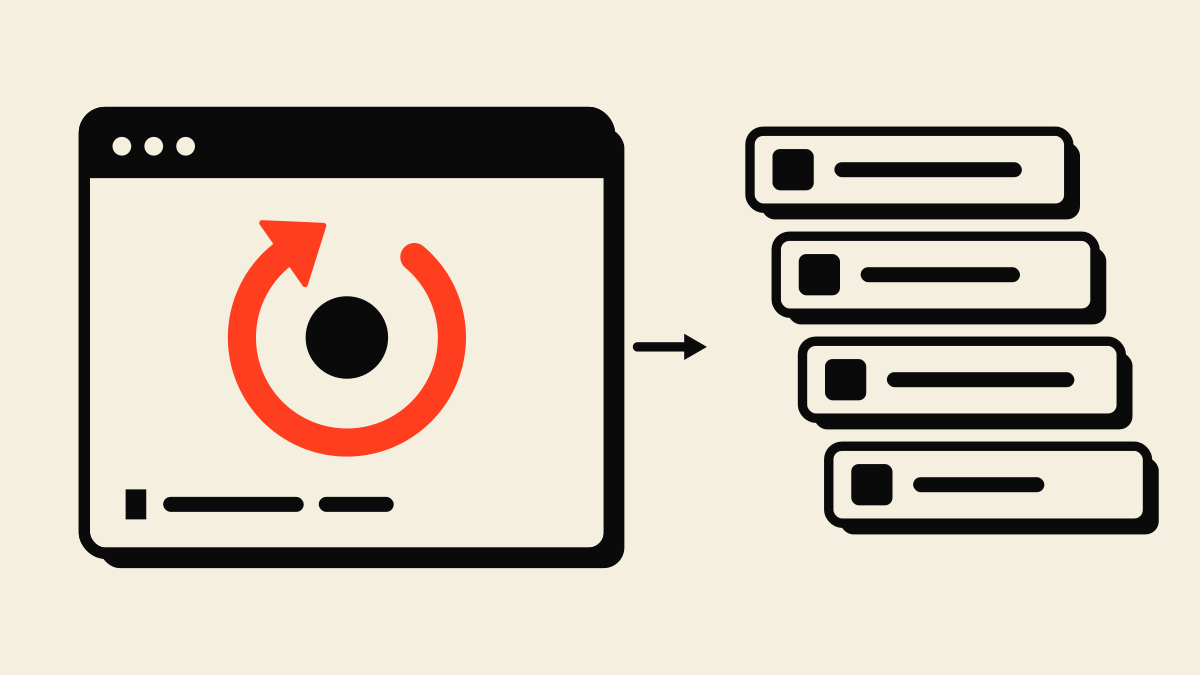
Done looks like: the article is live at 6 AM, every link works, and the 7 AM newsletter points to a page that actually exists.
Why is step 8 on there? Because a pre-publish check on one of our guides caught that the newsletter signup page it linked to was returning a 404. The draft switched to a softer call to action instead of shipping a dead link, and by publish day the page was live and the real link went in. A later pass on the same guide caught image links pointing at files on our own machine, which would have broken on the live site.
Nobody was careless. The step just wasn’t written down yet. Now it is. That’s the entire case for SOPs in one paragraph.
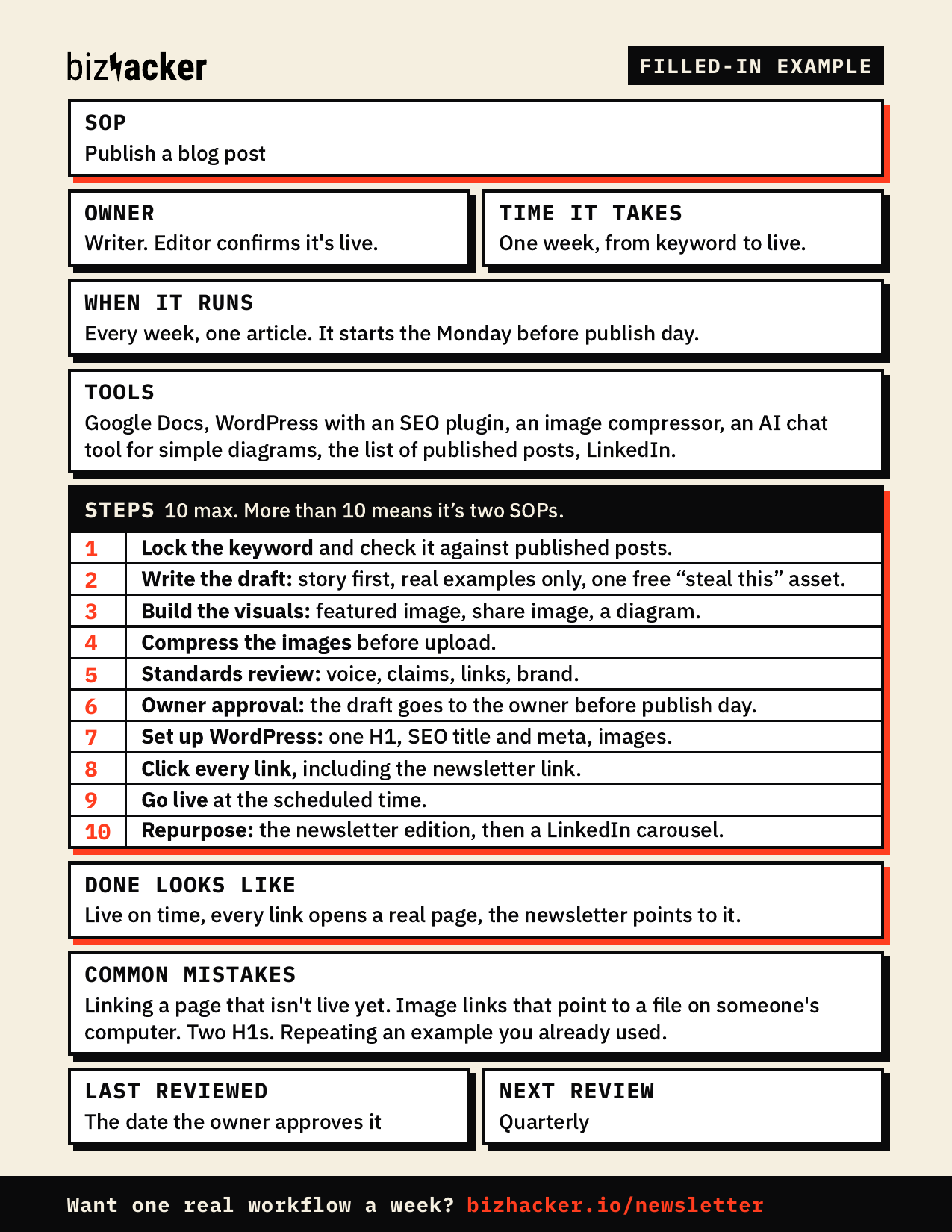
Steal this: the one-page SOP template and prompt sheet
Two free printables:
- The one-page SOP template for small business. Large type, fits on one printed page, with our blog-publishing checklist filled in as the example.
- The SOP prompt sheet. Six copy-paste prompts: turn a transcript into an SOP, interview me (no recording needed), tighten it, make the checklist version, find the missing steps, and the quarterly review.
Want both printables? They go to readers of the Operator Brief, my free monthly email. Join the Operator Brief to get the template and prompt sheet.
Start with one task: the one that would hurt most if it stopped next week. Record it this week. Hand it to someone the week after.
What you get back
This is the part the binder never delivered.
- Your days off stay off. The “quick question” texts dry up, because the answer is on a page.
- New people learn from the page, not from you repeating yourself for the fourth time.
- You can delegate for real. A written process can go to a person, a tool, or an AI teammate later. One that lives in someone’s head can’t go anywhere.
- Your hours go to the work only you can do. Which is why you started the business in the first place.
That’s the outcome. Not a document. Time back, and a business that keeps moving when one person is out.
Quick answers
How do I write an SOP with ChatGPT? Record yourself doing the task, paste the transcript into ChatGPT (or Claude) with prompt 1 from the sheet, then have a person check every step. It can only write what you said, so it won’t know about the step you always skip without thinking.
How long should an SOP be? One page. If it runs longer, it’s two SOPs.
How do I test an SOP? Hand it to someone who has never done the task and stay quiet. Every question they ask is a missing line.
Want one workflow like this every month? The Operator Brief is my free monthly email: one framework, one workflow you can run right away, and one Corner Office strip. Join at bizhacker.io/newsletter.
Tell me the one task you’d record first. Reply to any Operator Brief, or drop it in the comments on LinkedIn. The process that lives in one person’s head is usually the one worth starting with.
On LinkedIn? Subscribe to The Operator’s Edge, my LinkedIn newsletter, and get the short version of every article on Tuesday mornings.